How Easy Is It To Update Digital Signage Content Remotely With Beam
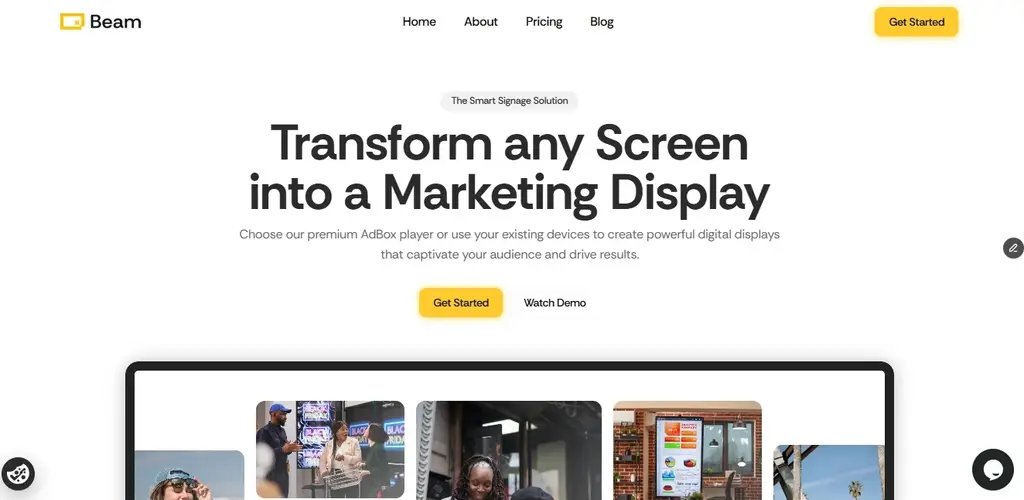
Updating digital signage content remotely with Beam is fast and straightforward. You can upload content, organize playlists, schedule campaigns, and publish updates across multiple screens from a single dashboard. Changes can go live instantly or follow a set schedule, giving you full control without needing to visit each location.
What Does Remote Content Management with Beam Mean?
Remote content management allows you to control what plays on your screens from anywhere. With Beam, everything is handled through a centralized dashboard so that you can manage one screen or hundreds across different locations.
You can update promotions, adjust schedules, and push new campaigns without interrupting operations. Everything is managed through one simple dashboard. Upload files, edit text, or swap images whenever you need. The system handles the rest and pushes updates to your screens right away.
How Updating Content Works on Beam
Digital signage platforms like Beam are designed for ease of use. The process follows a clear structure:
1. Upload Content
Add images or video content directly into your dashboard.
2. Schedule Content
Set up playlists for different locations or screens
3. Schedule or Publish
Choose to publish immediately or schedule content for specific times.
All updates sync automatically across selected screens.
Why Businesses Use Beam for Remote Updates
Managing screens across multiple locations requires speed and consistency. Beam provides both.
Update multiple screens in seconds
Manage content across different cities from one place
Keep campaigns consistent across all locations
Respond quickly to promotions or operational changes
Key Benefits of Using Beam
Centralized control: Manage all screens from one dashboard
Real-time updates: Publish content instantly when needed
Flexible scheduling: Plan campaigns in advance
Scalability: Control a few screens or an entire network
Operational efficiency: Reduce manual work and on-site updates
Best Practices for Managing Content on Beam
Use clear naming for playlists and campaigns
Keep content short and easy to read on screens
Schedule updates ahead of time for consistency
Review content regularly to keep it relevant
Match content to specific locations or audiences
Common Mistakes to Avoid
Uploading content without checking the display format
Leaving outdated campaigns active
Overloading playlists with too many items
Not scheduling content properly
Using inconsistent branding across screens
Summary
Updating digital signage content remotely with Beam is a streamlined process that gives you full control over your screens. From uploading content to scheduling and publishing, everything is managed from a single platform, helping you keep your messaging accurate, timely, and consistent across all locations.
Can I update all my screens at once with Beam?
Yes. You can select multiple screens or locations and publish updates simultaneously.
Do updates happen instantly?
Updates can go live immediately or follow a scheduled timeline based on your settings.
Do I need technical skills to use Beam?
No. Beam is designed with a simple interface that makes content management easy.
Can I control content for different locations?
Yes. You can assign different playlists to specific screens or locations.