8 Digital Signage Mistakes That Cost Local Businesses Money (And How to Fix Each One)
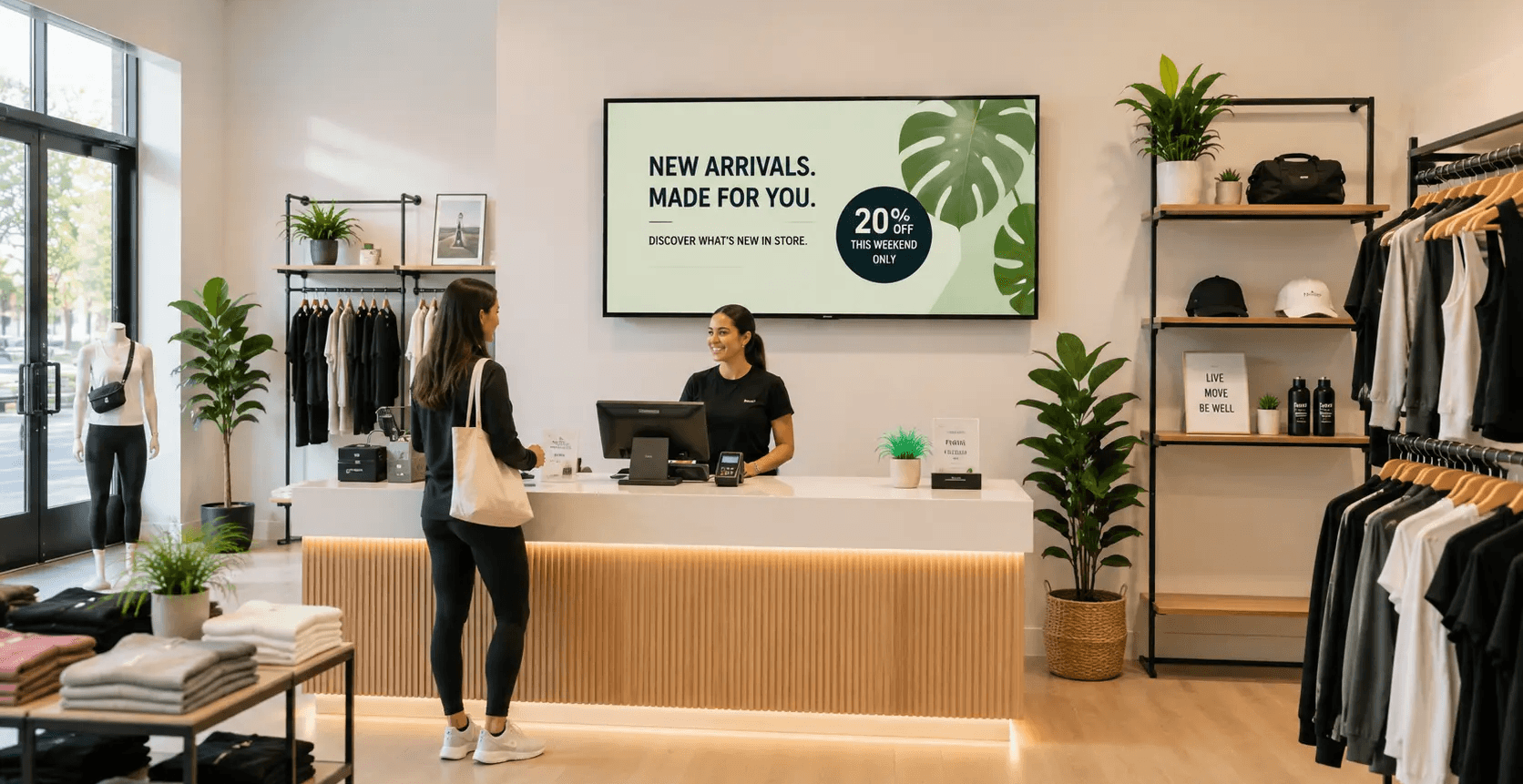
Most in-store screens underperform for ordinary reasons: no assigned job, too much text, bad placement, and a loop nobody has touched in six months. The format itself works when it is executed well. Nielsen research for the OAAA found that among consumers who noticed digital place-based screens, 70% immediately visited the business advertised, and 89% of those visitors made a purchase. The distance between a screen that pays for itself and a screen that just hangs there is almost entirely execution.
This article is for the owner or manager running screens inside their own venue. Your real KPIs are average ticket, add-on attach rate, rebooking or return rate, and monthly revenue per screen if you sell idle time to advertisers.
Mistake 1: Treating the screen as decoration
A screen without a job runs whatever someone loaded last. Give every screen a single assignment tied to a location: the queue screen sells add-ons, the waiting-area screen explains services, the entrance screen announces today's offer. One job per screen, written down, reviewed monthly.
Mistake 2: Writing slides like web pages
Customers read a screen in passing. Keep each slide to one idea, roughly six to eight words in the headline, one image, and one price or action. If a slide takes longer than eight seconds to understand, it belongs on a poster.
Mistake 3: Hanging screens where nobody stands
Attention happens where people wait or decide. Mount screens at the queue, the service desk, and the pickup counter, at eye level for a standing adult. A screen above a doorway or behind the customer earns nothing.
A screen without a job runs whatever someone loaded last.
Mistake 4: Letting the loop go stale
Repetition builds recognition, and the Ehrenberg-Bass Institute's work on distinctive brand assets shows that consistent colors, logos, and phrasing help a business get noticed faster. Keep those constant. Rotate the offers. A practical cadence is monthly for promotions, weekly for anything seasonal or time-limited, and same-day for sold-out or changed items.
Mistake 5: Running a TV instead of running signage
Cable news, a live sports feed, or an open YouTube tab will happily play your competitors' commercials to your own customers. If a broadcast feed serves your venue, such as a sports bar during a game, split the screen or keep dedicated signage screens elsewhere in the room.
Mistake 6: Leaving idle screen time unpaid
Most venue screens are on for ten or more hours a day and are selling something for only a fraction of that. Out-of-home advertising revenue hit a record $9.46 billion in 2025, with digital formats accounting for 36.3% of the total and growing 10.5% year over year, according to the OAAA. Advertisers are actively buying real-world screen time. Idle slots in your loop are inventory you can sell.
Quick check: count your screen's daily on-hours, then estimate what share of that time is running your own promotions. Anything above 40% unused is sellable inventory.
Mistake 7: Never making the ask
Nielsen and the OAAA found that nearly two-thirds of digital out-of-home viewers took at least one measurable action after seeing an ad, including searching online, visiting a website, or walking into the business. Actions follow instructions. Put one clear ask on every promotional slide: add it to your order, scan to book, ask at the counter, join today.
One compliance note. Ask customers for honest feedback and reviews, and never offer a discount or gift in exchange for a review. Most major review platforms prohibit incentivized reviews.
Mistake 8: Guessing at results
Signage attribution is directional, not exact. You will rarely isolate a single screen's contribution the way you can with a paid search click. You can still measure honestly. Use a screen-only promo code, compare attach rate on the promoted item for four weeks before and after, and ask staff to log how many customers mention the screen. Treat the result as a signal, not proof.
Worth stating plainly: in-store screens do not change your Google rankings. They can prompt the branded searches, direction requests, and reviews that support local visibility, which matters more than ever now that BrightLocal's 2026 survey found 97% of consumers read reviews before choosing a local business, and 45% now use AI tools to discover them.
Mistake | Fix | KPI to watch |
Stale loop | Rotate offers monthly, keep brand assets constant | Attach rate on promoted item |
Too much content | Prioritize 3–5 key messages per screen | Message engagement rate |
Weak calls to action | Give every promotion one clear next step | Conversion rate |
Poor screen placement | Position screens where customers naturally look | Impressions per customer |
Hard-to-read designs | Use large text, strong contrast, and simple layouts | Content completion rate |
Inconsistent branding | Use consistent fonts, colors, and brand assets | Brand recall |
Ignoring peak hours | Schedule offers around customer traffic patterns | Sales during promoted periods |
No performance tracking | Review campaign results and optimize regularly | Revenue per campaign |
How Beam helps
Beam runs your screens from one place and turns unsold time into revenue. You schedule promotions by screen and by daypart, so the queue screen and the waiting-area screen run different loops on the standard TVs you already own.
The part competitors usually leave out is the Beam Network. Approved third-party advertisers buy the slots you are not using, and you get paid for screen time that was running nothing. You control the categories, so a dental office never shows a competing practice and a boutique never shows a rival brand. Your promotions keep priority in the loop.
How Beam helps in one line: your content stays in control of the schedule, and Beam fills the leftover slots with paying advertisers you approve
Fix one mistake this week
Pick the cheapest fix on the list, which is usually Mistake 7. Add a clear ask to every promotional slide, then measure the attach rate for four weeks. When you are ready to turn the empty slots into income, see how the Beam Network works at usebeam.io
Sources
https://oaaa.org/blog-posts/nielsen-research-dooh-engages-consumers-and-drives-activations/
https://oaaa.org/news/out-of-home-advertising-revenue-reaches-record-9-46-billion/
https://www.brightlocal.com/research/local-consumer-review-survey/
https://marketingscience.info/learn-with-us/commercial-research/distinctive-asset
How many screens does a small business actually need?
Most single-location venues do well with one to three screens placed at the queue, the waiting area, and the service counter. Add screens only when you can name the job each new screen will do.
How long should each slide stay on screen?
Eight to twelve seconds suits most venues. Shorter loops work in fast queues, and longer dwell environments such as waiting rooms can support fifteen seconds and a slightly longer loop.
Can I use a regular consumer TV for digital signage?
Yes for most venues. A standard TV plus a signage player handles typical retail and service hours. Commercial displays are worth the cost in bright storefront windows or in venues running screens close to 24 hours.
Will running third-party ads annoy my customers?
It depends on category control and frequency. Approving categories, blocking competitors, and keeping your own promotions in priority rotation keeps the loop feeling like your business rather than a commercial break.
How do I prove digital signage is working?
Use a screen-only promo code, track the attach rate on the promoted item before and after, and log staff mentions. These signals are directional, and the trend across several weeks tells you more than any single number.