Can You Use a Regular TV for Digital Signage?
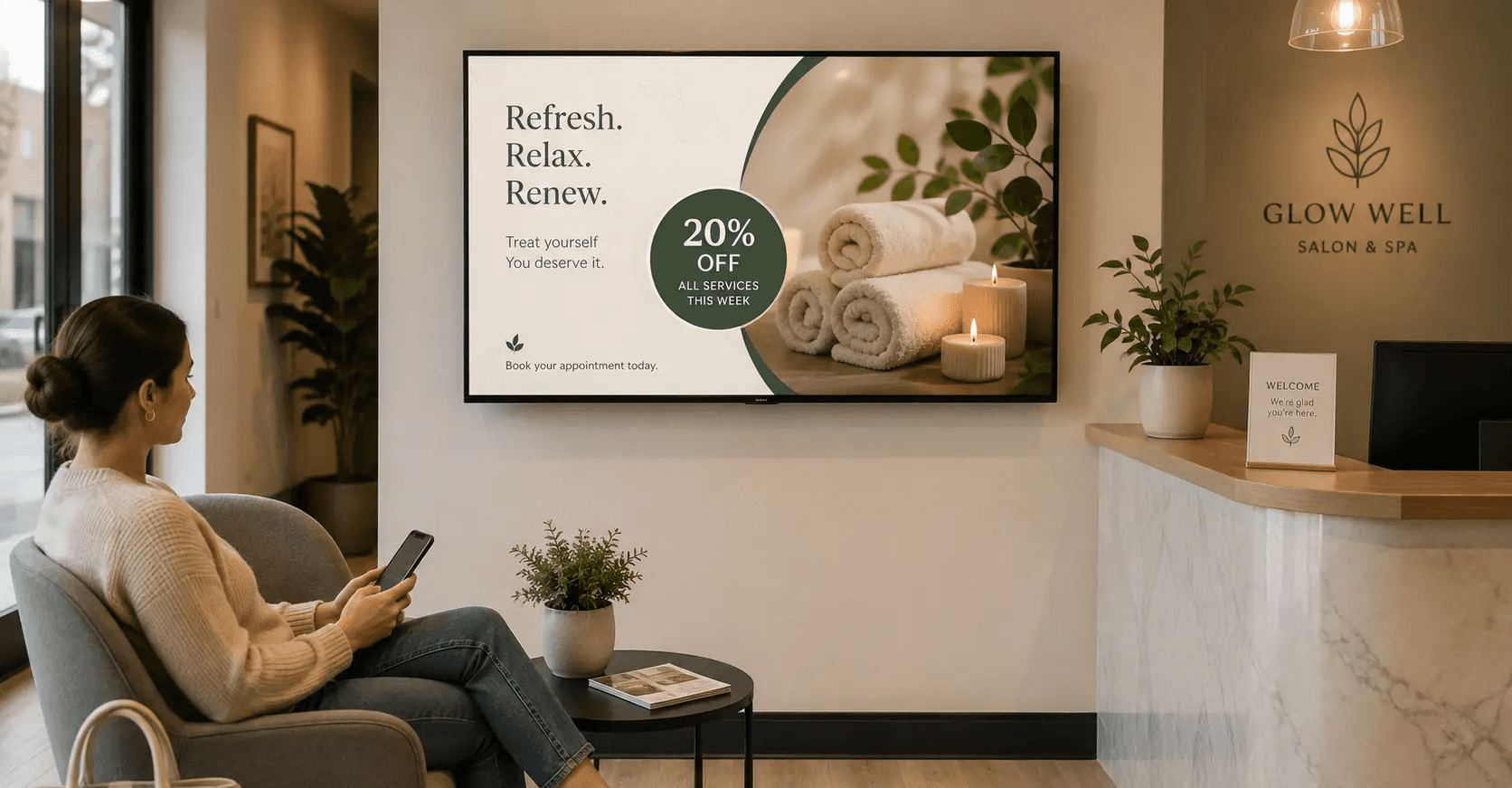
Yes. A consumer TV will run digital signage, and for most single-location businesses it is the right place to start. The limit is runtime, not capability: consumer TVs are engineered for roughly 4 to 6 hours of daily viewing, while commercial displays are rated for 16/7 or 24/7 operation, according to Samsung's business division. If your screen runs eight hours a day or less, the TV already on your wall is usually good enough.
What a regular TV handles fine
Any modern TV with an HDMI port and a power outlet can be a signage screen. Add a small media player or plug in a signage stick, point it at your playlist, and the screen does the job. Picture quality on a mid-range consumer TV meets or beats older commercial panels. For a barbershop showing a price list, a laundromat running promos, or a gym cycling class schedules, a $400 TV and a $60 player is a complete setup.
The economics matter here. A commercial display of the same size often costs two to three times more. Spending that difference before you know what your screens earn is the wrong order of operations.
Start with the TV you have. Upgrade the screens that prove they are worth it
Where a consumer TV starts to cost you
Four things separate a consumer TV from a commercial display once the screen runs all day.
Duty cycle: Commercial panels are rated for continuous operation and are commonly quoted at 70,000 to 100,000 hours. Consumer panels are not built for that, and heat is what kills them.
Warranty: Commercial displays typically carry three-year coverage. Consumer TVs typically carry one year, and many manufacturer warranties exclude commercial use outright. Read the fine print before you mount it.
Brightness: Consumer TVs are tuned for dim living rooms. In a sunlit storefront window or a bright supermarket aisle, the image washes out.
Orientation: Portrait mounting is standard on commercial panels. Many consumer TVs are not rated for vertical mounting, and running one sideways can trap heat.
Add power management to that list. Consumer TVs often lack scheduled on/off, so someone has to remember the remote every morning and night.
Feature | Consumer TV | Commercial Display |
Typical daily runtime | 4–8 hours | 12–24 hours |
Warranty length | 1–2 years | 3–5 years |
Commercial-use coverage | Usually limited | Designed for commercial use |
Portrait mounting | Often supported, but not always recommended | Commonly supported |
Scheduled power | Basic/limited | Advanced scheduling |
Typical cost | ~$300–$1,000 | ~$800–$5,000+ |
The eight-hour rule
Use runtime as your deciding factor.
Under 8 hours a day: a consumer TV is fine. Budget to replace it every 3 to 4 years and treat it as a consumable.
Between 8 and 14 hours a day: a consumer TV will work, but expect a shorter life. Choose a model with good passive ventilation and give it clearance.
Over 14 hours a day, or direct sunlight, or portrait orientation: buy commercial. The warranty alone justifies the difference.
Track cost per screen per year, not sticker price. A $400 TV replaced every three years costs about $133 a year. A $1,100 commercial panel with a five-year life costs about $220. If either screen earns ad revenue, that number is what tells you which one wins
The honest limits
Screen hardware is the easy part. The harder problems are what plays, when it plays, and whether anyone acts on it. Digital signage attribution stays directional. You can measure promo redemptions, coupon scans, and QR taps, but you cannot cleanly isolate the screen's effect on a walk-in sale. The evidence for the format is strong at the category level: Nielsen research for the OAAA found nearly two-thirds of digital out-of-home viewers took at least one measurable action after seeing a display. Treat that as a reason to run screens well, not as a promise about your specific store.

How Beam helps
Beam runs on the hardware you already own. Connect a consumer TV through a standard media player, and Beam manages the playlist, the schedule, and the daily on/off from one dashboard, so no one has to touch a remote.
The part that changes the math is the Beam Network. Your screen has idle time between your own promos. Beam opens that inventory to approved third-party advertisers and pays you for the slots, with category controls so a competitor never appears on your wall. That turns a screen from a cost line into a revenue line, and it is the reason the cheap-TV-first approach makes sense. Let the network revenue fund the commercial upgrade.
The timing is in your favor. OAAA reported that US out-of-home advertising revenue hit a record $9.46 billion in 2025, with digital out-of-home up 10.5 percent year over year and growing another 12.9 percent in the first quarter of 2026. Advertiser demand for local screen inventory is expanding.
Start with the screen you have
Point a TV at your best offer, connect it to Beam, and see what a single screen earns before you spend on hardware. Get started at usebeam.io
Sources
Do I need a smart TV for digital signage?
No. Any TV with an HDMI input works. A dedicated media player is more reliable than a smart TV's built-in apps, which can update themselves and interrupt playback.
Will running a TV all day void the warranty?
It can. Many consumer TV warranties exclude commercial installations. Check the manufacturer's terms before you buy, and assume the screen is unwarranted in a business setting unless it says otherwise.
How long will a consumer TV last as a signage screen?
Plan on 3 to 4 years at eight hours a day. Heat and continuous backlight use are the main causes of failure, so leave ventilation clearance behind the mount.
Can I mount a regular TV vertically?
Only if the manufacturer says so. Vertical mounting changes how heat moves inside the chassis, and most consumer models are rated for landscape only.
Does the screen need constant internet?
No. Beam caches content locally, so a playlist keeps running through a short outage. A connection is needed to push updates, report playback, and serve network ads.
How much can one screen earn on the Beam Network?
It depends on foot traffic, location, and how many hours the screen runs. More visible hours means more available ad slots, which is why runtime affects revenue as much as it affects hardware wear.