Where Should You Put Digital Signage Screens in Your Business?
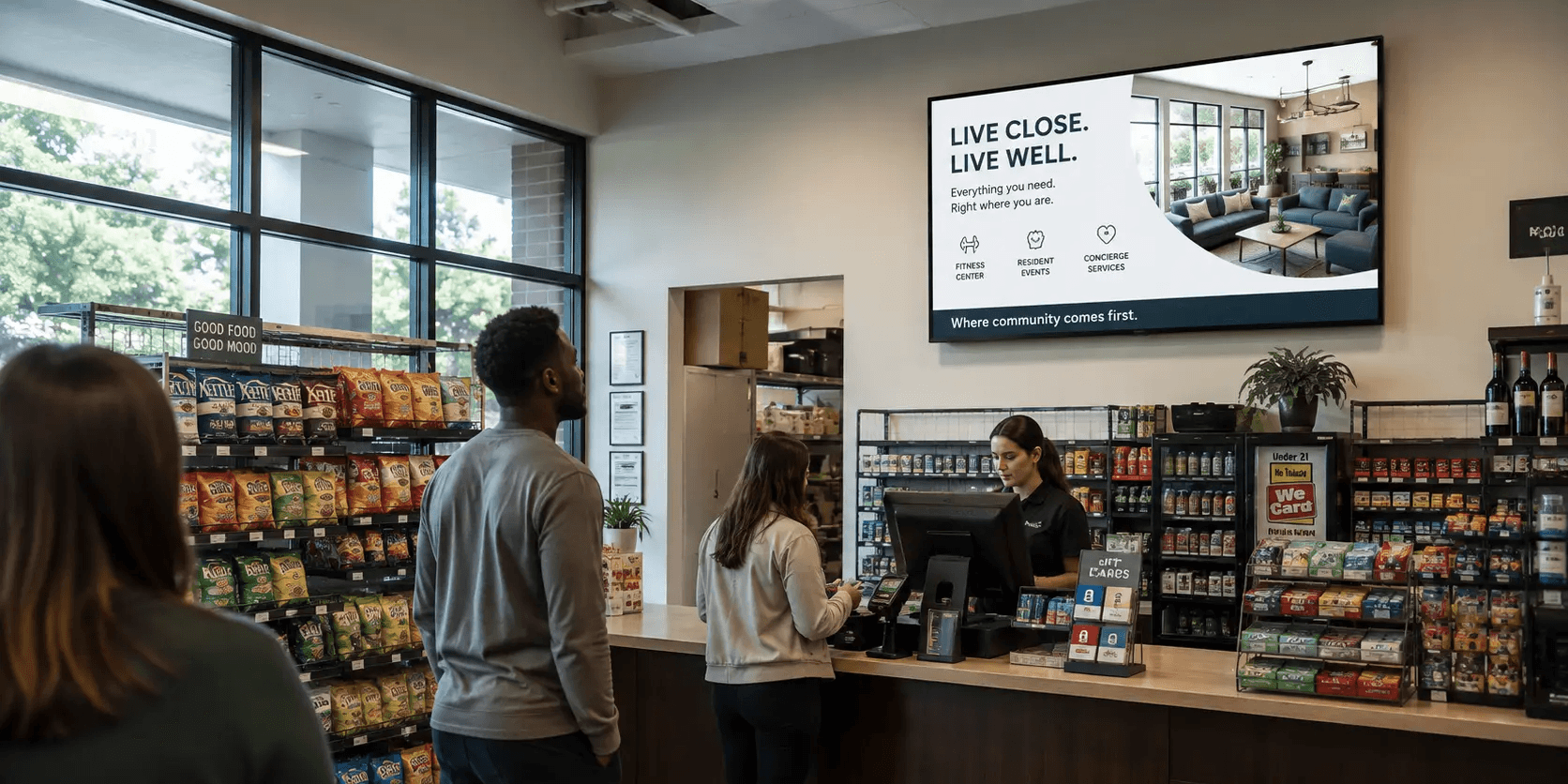
Put your screens where customers are already standing still. Peer-reviewed research published in the Journal of Marketing in 2026, drawn from 237 campaigns and roughly 30 million shoppers, found that digital signage raised the likelihood of buying a featured product by 8.1%, and the effect grew stronger in crowded stores and later in the day. Placement is the variable most owners get wrong, and it costs more than bad creative does.
The rule that beats every other placement rule
Dwell time decides everything. A screen only works when someone has spare seconds and nothing better to look at. Your entrance, your queue, your waiting chairs, and your counter all create those seconds for free. A screen in a walkway does not.
Grocery TV's In-Store Shopper Perception Report, a March 2026 survey of 1,018 US grocery shoppers, found that entrance, checkout, deli, and pharmacy screens all cleared 84% favorability, while cooler-door screens scored lowest at 58.9%. The zones people liked were the zones where they were already waiting.
A screen only works when someone has spare seconds and nothing better to look at.
Four placements that work in almost any venue
The entry sightline
Mount one screen 10 to 15 feet inside the door, angled toward the natural walking path. Use it for today's offer and nothing else.
The queue
Wherever a line forms, put a screen at the front of it, not the back. People at the front are closest to a decision.
The waiting seat
If customers sit down, the screen goes on the wall they already face. Waiting rooms, salon chairs, laundromat benches, and service lounges all qualify.
The transaction point
A screen beside or above the counter carries add-ons, memberships, and packages while the customer is already paying.
Placements that waste a screen
Hallways and corridors, where people move too fast to read anything.
Behind the customer's back at the counter, where only staff can see it.
Directly opposite a bright window, where glare flattens the picture for most of the day.
Anywhere the screen competes with a TV showing live sports or news.
Height, angle, and distance
Center the screen at roughly eye level for a standing adult, about 5 to 5.5 feet from the floor to the middle of the panel. In seated areas, drop it. For readable text, plan on about 1 inch of screen diagonal for every 1 foot of viewing distance, so a 55-inch panel reads comfortably from around 15 to 20 feet with large type. Tilt any high-mounted screen downward 10 to 15 degrees so the image faces the viewer rather than the ceiling.
Quick test before you drill. Stand where your customer stands, hold a phone at the proposed screen position, and check whether you can read 30-point text without moving. If you cannot, the spot is wrong
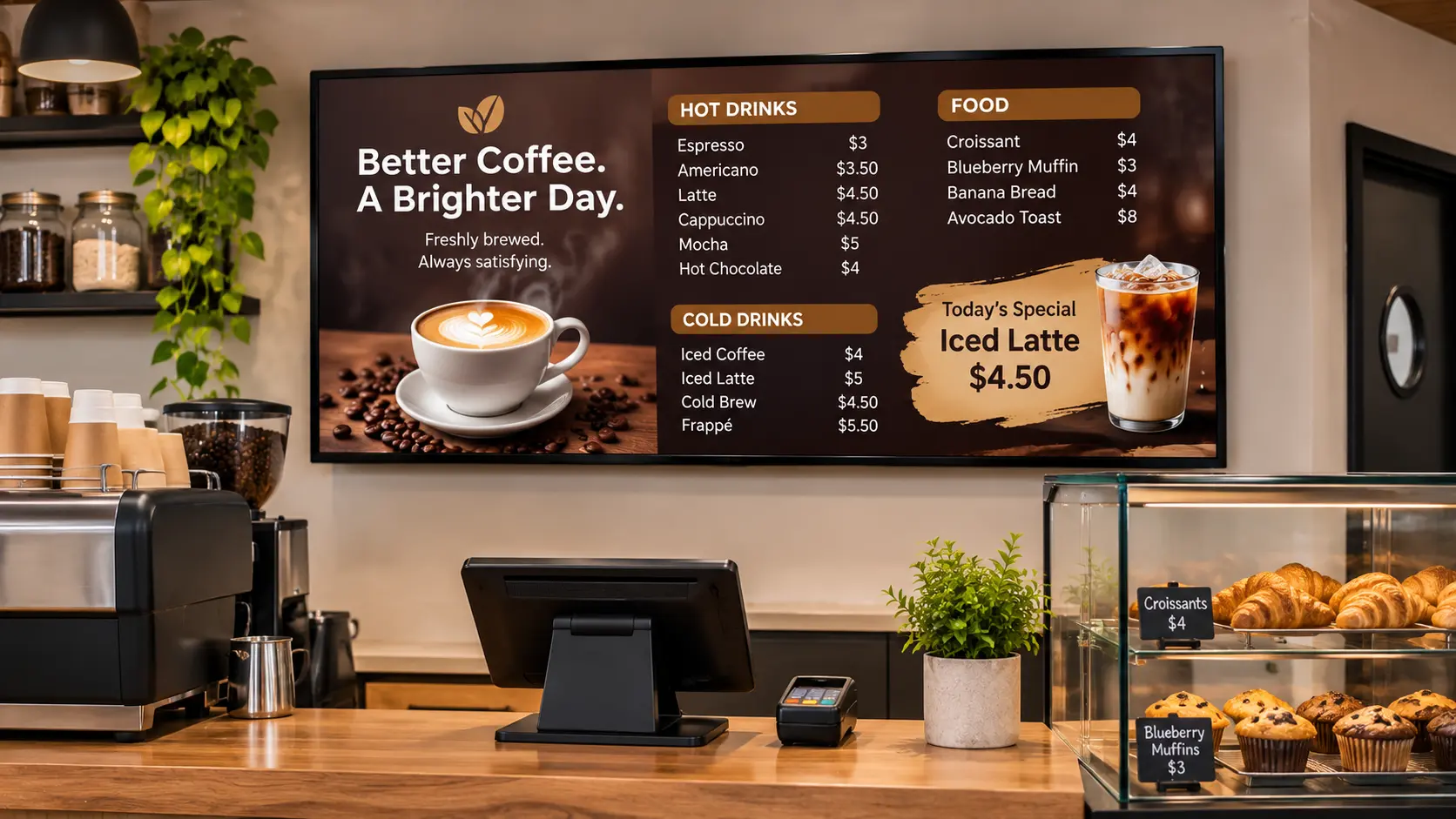
Placement also decides what your screens earn
If you run screens on the Beam Network, placement is not only a merchandising choice. It sets your inventory value. Advertisers pay for verified plays in front of real foot traffic, so a screen in a high-dwell zone delivers more qualified impressions per hour than the same screen in a corridor. Two identical TVs in the same building can earn very different amounts based purely on where they hang. Pick placements that serve your own promotions first, because those are the placements advertisers value most.
How Beam helps
Beam runs your own content and approved third-party ads on the same screen, so a well-placed TV does two jobs at once. You keep your promotions in the loop, Beam fills the idle slots with vetted advertisers, and you take a share of the revenue. You approve the categories that appear, schedule your own content by daypart, and manage every location from one place. A barbershop with two chairs and a laundromat with twelve machines run the same way.
How Beam helps in one line. Your screen sells your services during your peak hours and sells ad space during everyone else's
What placement cannot fix
Good placement lifts the odds a message is seen. It does not guarantee a sale, and it does not rescue weak content. Attribution for in-store screens and DOOH stays directional rather than exact, since you rarely get a clean path from a screen to a transaction.
Treat the Journal of Marketing figure as a credible retail benchmark, not a promise for your venue, and treat the Grocery TV numbers as stated preferences among grocery shoppers. Test one placement at a time, hold the content constant, and compare over two to four weeks.
Zone | Why it works |
Entry sightline | Captures attention as customers enter |
Queue front | Reaches customers while they wait to order |
Waiting seat | Engages customers during dwell time |
Transaction point | Reinforces promotions at the moment of purchase |
Start with one screen in the right spot
You do not need a wall of displays. One screen at the front of your queue, running your offers and earning from approved advertisers between them, is a fair test of the whole idea. See how Beam works at usebeam.io.
Sources
Herhausen, D., de Jong, D., and Grewal, D. (2026). In-Store Advertising with Digital Signage. Journal of Marketing, 90(3), 81-103. https://journals.sagepub.com/doi/10.1177/00222429251351578
Grocery TV, In-Store Shopper Perception Report 2026. https://grocerytv.com/blog/in-store-perception-survey-2026/
eMarketer, In-store retail media is working, but placement is everything. https://www.emarketer.com/content/in-store-retail-media-working--placement-everything
eMarketer, Grocery TV study: Placement, not personalization, drives in-store ad acceptance. https://www.emarketer.com/content/grocery-tv-study--placement--not-personalization--drives-in-store-ad-acceptance
How many screens does a small business actually need?
Most single-location venues do well with one to three. Start with your highest-dwell zone, measure for a month, and add a second screen only when the first one is doing a job you can describe.
Should a screen face the door or face the seating?
Face the seating if customers wait. Face the door only when you want a single greeting or offer message and the room has no natural waiting area.
Does screen size matter more than placement?
Placement matters more. A 43-inch screen at eye level in a queue outperforms a 75-inch screen in a corridor, because the smaller one gets actual viewing seconds.
Can I mount a screen in portrait orientation?
Yes, and portrait suits narrow entry walls and column mounts well. Confirm your content and your signage software both support vertical layouts before you commit to the mount.
Do I need power and network at the mount point?
You need power at the mount and a reliable network path, which can be Wi-Fi or Ethernet. Run cabling inside the wall or a raceway during installation, since retrofitting later costs more than doing it once.
Will ads on my screen annoy my customers?
Survey evidence suggests receptivity is highest in waiting zones, and Grocery TV reported that 62% of shoppers say they have bought a product after seeing it on an in-store screen. Keep the ad mix relevant to your venue and approve categories yourself.